




Close Menu
West TimelinesWest Timelines
  • News
  • Politics
  • World
    • Africa
    • Asia
    • Australia
    • Europe
      • United Kingdom
      • Germany
      • France
      • Italy
      • Russia
      • Spain
      • Turkey
      • Ukraine
    • North America
      • United States
      • Canada
    • South America
  • Business
    • Finance
    • Markets
    • Investing
    • Small Business
    • Crypto
  • Elections
  • Entertainment
  • Health
  • Lifestyle
    • Fashion
    • Food & Drink
    • Travel
    • Astrology
  • Weird News
  • Science
  • Sports
    • Soccer
  • Technology
  • Viral Trends
Trending Now

Dubai Spotlight: Analyzing the Evolving Audience Tastes with AI Social Listening Tools in the UAE

4 weeks ago

مرآة التاريخ: تحليل البناء السردي للدروس الخالدة في قصص الأنبياء والإسلام

4 weeks ago

السندات الحكومية والشركات: أساسيات الاستثمار الآمن والدخل الثابت

1 month ago

UAE Ranks Among Top Rugby Markets on TOD as British & Irish Lions Tour Kicks Off

5 months ago

Darven: A New Leap in AI-Powered Legal Technology Launching from the UAE to the World

6 months ago
Facebook X (Twitter) Instagram
West TimelinesWest Timelines
  • News
  • US
  • #Elections
  • World
    • North America
      • United States
      • Canada
    • Europe
      • United Kingdom
      • Germany
      • France
      • Italy
      • Spain
      • Ukraine
      • Russia
      • Turkey
    • Asia
    • Australia
    • Africa
    • South America
  • Politics
  • Business
    • Finance
    • Investing
    • Markets
    • Small Business
    • Crypto
  • Lifestyle
    • Astrology
    • Fashion
    • Food & Drink
    • Travel
  • Health
  • Sports
    • Soccer
  • More
    • Entertainment
    • Technology
    • Science
    • Viral Trends
    • Weird News
Subscribe
  • Israel War
  • Ukraine War
  • United Kingdom
  • Canada
  • Germany
  • France
  • Italy
  • Russia
  • Spain
  • Turkey
  • Ukraine
West TimelinesWest Timelines
Home»Technology
Technology

Unhappy with the iOS 17 Settings on Your iPhone? Here’s How to Make Changes

April 12, 2024No Comments3 Mins Read
Facebook Twitter Pinterest LinkedIn Telegram Email WhatsApp Copy Link

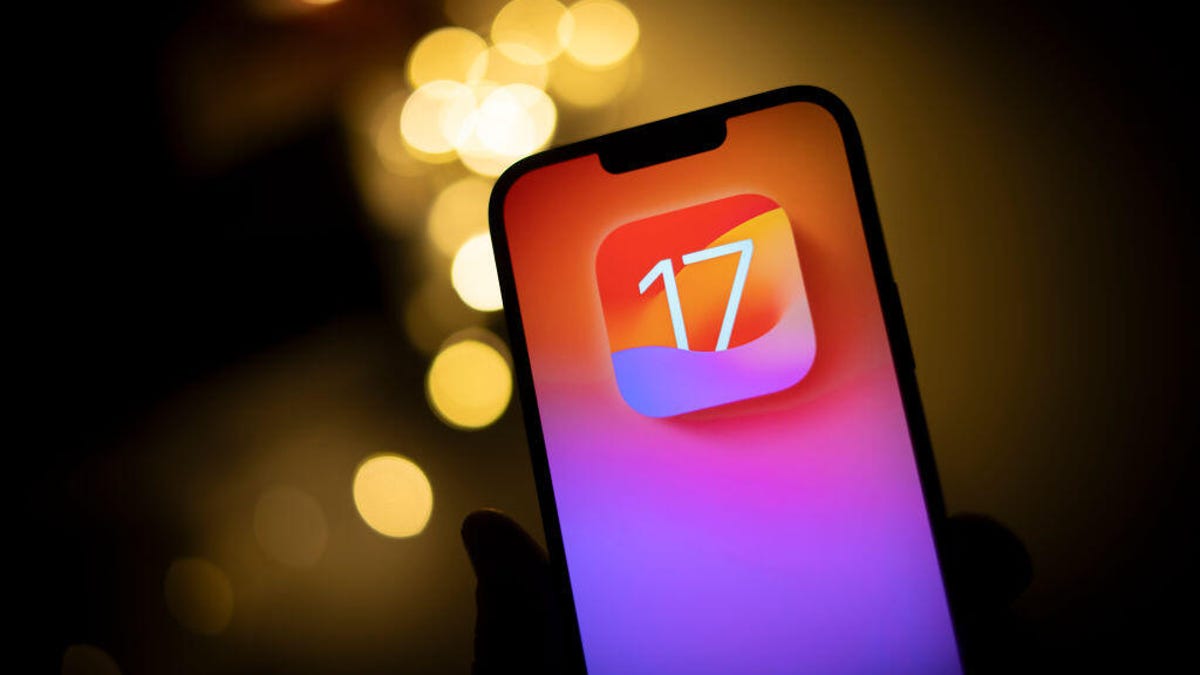
iOS 17 brought a range of new features to the iPhone, including StandBy mode, interactive widgets, full-screen contact posters for phone calls, and the Journal app. While these additions are generally well-received, some users may find themselves needing to relearn certain functions on their devices. The introduction of a search button at the bottom of each home page in iOS 16, for example, took some adjustment for some users. Similarly, iOS 17 has introduced a few features that may not sit well with all users. However, there are ways to address these concerns and make adjustments to suit individual preferences.

One of the new features in iOS 17 is NameDrop, which allows users to quickly share contact information via AirDrop by bringing their iPhone close to another iPhone or Apple Watch. While this feature can be convenient, some users have reported issues with NameDrop automatically sharing information when they did not intend to. To address this, users can disable NameDrop completely by adjusting the settings in the General section of the Settings application. By toggling off the Bringing Devices Together option under AirDrop, users can prevent their contact information from being shared inadvertently.

Another new feature in iOS 17 is StandBy mode, which turns the iPhone into a smart display when charging horizontally. While StandBy mode can be a useful way to view information at a glance, some users may prefer to keep certain notifications private. To hide notifications in StandBy mode, users can adjust the settings in the StandBy section of the Settings application. By toggling off the Show Notifications option, users can prevent all notifications from being displayed in StandBy mode, while still allowing critical alerts, such as weather emergencies, to show.

Siri also underwent changes in iOS 17, allowing users to activate the voice assistant by simply saying “Siri” without the need for “hey.” While this can make using Siri more convenient, some users may find that Siri is triggered unintentionally more often. To address this, users can adjust the Siri settings in the Settings application to only activate Siri when “Hey Siri” is said. By selecting the solo “Hey Siri” option in the Listen for section, users can ensure that Siri only responds to the specific phrase “Hey Siri” and not just “Siri.”

In addition to these features, iOS 17 also offers the ability to automatically delete multifactor authentication messages in texts and emails, as well as the option to create Live Stickers. By exploring these hidden features and adjusting settings to suit individual preferences, users can make the most of their iOS 17 experience. While adapting to new features and changes may take time, with a bit of exploration and adjustment, users can optimize their iPhone usage and tailor their device to suit their needs and preferences.


Follow on Google News Follow on Flipboard
Share. Facebook Twitter Pinterest Email Telegram WhatsApp Copy Link

You Might Like

Dubai Spotlight: Analyzing the Evolving Audience Tastes with AI Social Listening Tools in the UAE

Darven: A New Leap in AI-Powered Legal Technology Launching from the UAE to the World

Array

Array

Array

Array

Editors Picks

مرآة التاريخ: تحليل البناء السردي للدروس الخالدة في قصص الأنبياء والإسلام

4 weeks ago

السندات الحكومية والشركات: أساسيات الاستثمار الآمن والدخل الثابت

1 month ago

UAE Ranks Among Top Rugby Markets on TOD as British & Irish Lions Tour Kicks Off

5 months ago

Darven: A New Leap in AI-Powered Legal Technology Launching from the UAE to the World

6 months ago

Jordan to Host Iraq in the Final Round of the Asian World Cup Qualifiers After Securing Historic Spot

6 months ago

Latest News

فلسطين: قلبٌ ينبض بالصمود والأمل

7 months ago

Roland Garros 2025: A New Era of Viewing, A Tribute to Legends, and Moments to Remember

7 months ago

Array

7 months ago
Advertisement
Facebook X (Twitter) TikTok Instagram Threads
© 2025 West Timelines. All Rights Reserved. Developed By: Sawah Solutions
  • Privacy Policy
  • Terms
  • Contact

Type above and press Enter to search. Press Esc to cancel.