




Close Menu
West TimelinesWest Timelines
  • News
  • Politics
  • World
    • Africa
    • Asia
    • Australia
    • Europe
      • United Kingdom
      • Germany
      • France
      • Italy
      • Russia
      • Spain
      • Turkey
      • Ukraine
    • North America
      • United States
      • Canada
    • South America
  • Business
    • Finance
    • Markets
    • Investing
    • Small Business
    • Crypto
  • Elections
  • Entertainment
  • Health
  • Lifestyle
    • Fashion
    • Food & Drink
    • Travel
    • Astrology
  • Weird News
  • Science
  • Sports
    • Soccer
  • Technology
  • Viral Trends
Trending Now

Dubai Spotlight: Analyzing the Evolving Audience Tastes with AI Social Listening Tools in the UAE

3 weeks ago

مرآة التاريخ: تحليل البناء السردي للدروس الخالدة في قصص الأنبياء والإسلام

4 weeks ago

السندات الحكومية والشركات: أساسيات الاستثمار الآمن والدخل الثابت

1 month ago

UAE Ranks Among Top Rugby Markets on TOD as British & Irish Lions Tour Kicks Off

5 months ago

Darven: A New Leap in AI-Powered Legal Technology Launching from the UAE to the World

5 months ago
Facebook X (Twitter) Instagram
West TimelinesWest Timelines
  • News
  • US
  • #Elections
  • World
    • North America
      • United States
      • Canada
    • Europe
      • United Kingdom
      • Germany
      • France
      • Italy
      • Spain
      • Ukraine
      • Russia
      • Turkey
    • Asia
    • Australia
    • Africa
    • South America
  • Politics
  • Business
    • Finance
    • Investing
    • Markets
    • Small Business
    • Crypto
  • Lifestyle
    • Astrology
    • Fashion
    • Food & Drink
    • Travel
  • Health
  • Sports
    • Soccer
  • More
    • Entertainment
    • Technology
    • Science
    • Viral Trends
    • Weird News
Subscribe
  • Israel War
  • Ukraine War
  • United Kingdom
  • Canada
  • Germany
  • France
  • Italy
  • Russia
  • Spain
  • Turkey
  • Ukraine
West TimelinesWest Timelines
Home»Technology
Technology

The Solution for When You Can’t Connect to Wi-Fi at the Airport, Hotel, or Coffee Shop

April 9, 2024No Comments3 Mins Read
Facebook Twitter Pinterest LinkedIn Telegram Email WhatsApp Copy Link

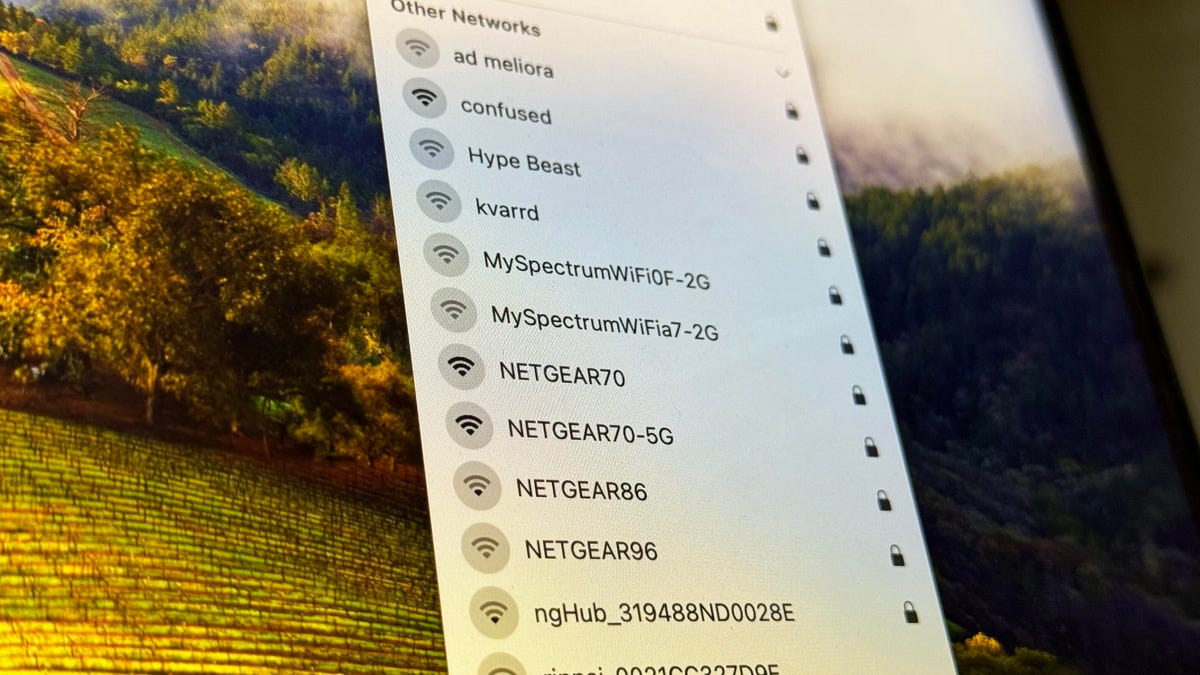
When traveling and trying to connect to public Wi-Fi networks, it is common to face issues with internet access, even when connected to the network. This problem often occurs on networks that require a login or payment before allowing internet access. When the login page fails to appear, users are unable to access the internet despite being connected to the Wi-Fi network. To resolve this issue, a hidden trick can be used to force the Wi-Fi login page to appear and gain access to the internet on your device.

One effective method to force a Wi-Fi login page to open is by visiting http://neverssl.com in a web browser on your computer, phone, or tablet. This website is insecure and does not use SSL encryption, allowing it to bypass the security measures that may be preventing the login page from appearing on the network. By accessing http://neverssl.com while connected to the Wi-Fi network, users can force the login page to appear, enter the required information, and access the internet without any restrictions. This website serves as a reliable tool for redirecting users to missing public Wi-Fi network login pages.

In addition to http://neverssl.com, there are other insecure websites that can be used to force a Wi-Fi login page to appear. Websites such as http://httpforever.com and http://myshopify.com, as well as loading the router’s default page, can also help in accessing the login page on public Wi-Fi networks. Testing out various URLs in the web browser, such as http://localhost, 4.4.4.4, 127.1.1.1, or 192.168.1.1, may also trigger the login page to appear and allow users to connect to the internet. These alternative methods can be explored if the initial trick does not work effectively.

By using the solution of forcing a Wi-Fi login page to appear, travelers and individuals connecting to public networks can overcome the issue of limited internet access. Whether waiting at an airport, relaxing in a coffee shop, or staying at a hotel, this trick provides a simple yet effective way to gain internet connectivity on various devices. With the accessibility of insecure websites and alternative URLs, users can troubleshoot connectivity problems and ensure seamless internet access while on the go.

Overall, understanding how to force a Wi-Fi login page to appear is a valuable skill for individuals who frequently rely on public networks for internet access. By utilizing the recommended websites and URLs, users can bypass security measures that may be hindering the login process and successfully connect to the internet. This trick serves as a helpful solution for overcoming challenges related to accessing public Wi-Fi networks and ensuring reliable connectivity while traveling or working remotely.


Follow on Google News Follow on Flipboard
Share. Facebook Twitter Pinterest Email Telegram WhatsApp Copy Link

You Might Like

Dubai Spotlight: Analyzing the Evolving Audience Tastes with AI Social Listening Tools in the UAE

Darven: A New Leap in AI-Powered Legal Technology Launching from the UAE to the World

Array

Array

Array

Array

Editors Picks

مرآة التاريخ: تحليل البناء السردي للدروس الخالدة في قصص الأنبياء والإسلام

4 weeks ago

السندات الحكومية والشركات: أساسيات الاستثمار الآمن والدخل الثابت

1 month ago

UAE Ranks Among Top Rugby Markets on TOD as British & Irish Lions Tour Kicks Off

5 months ago

Darven: A New Leap in AI-Powered Legal Technology Launching from the UAE to the World

5 months ago

Jordan to Host Iraq in the Final Round of the Asian World Cup Qualifiers After Securing Historic Spot

6 months ago

Latest News

فلسطين: قلبٌ ينبض بالصمود والأمل

7 months ago

Roland Garros 2025: A New Era of Viewing, A Tribute to Legends, and Moments to Remember

7 months ago

Array

7 months ago
Advertisement
Facebook X (Twitter) TikTok Instagram Threads
© 2025 West Timelines. All Rights Reserved. Developed By: Sawah Solutions
  • Privacy Policy
  • Terms
  • Contact

Type above and press Enter to search. Press Esc to cancel.